Understanding Different Types of Monitor Cables: Which One is Right for You?
When it comes to connecting your display to a computer, understanding the different types of monitor cables available can be essential for optimizing your viewing experience. The most common types include HDMI, DisplayPort, DVI, and VGA. HDMI cables are ideal for modern devices, offering high-definition video and audio in a single cable. However, if you need to support high refresh rates and higher resolutions, you might want to consider DisplayPort, which provides superior performance for gaming and professional use. Here’s a quick overview of these cables:
- HDMI: Best for TVs and home entertainment systems.
- DisplayPort: Preferred for PC monitors and high-end setups.
- DVI: Useful for connecting older devices.
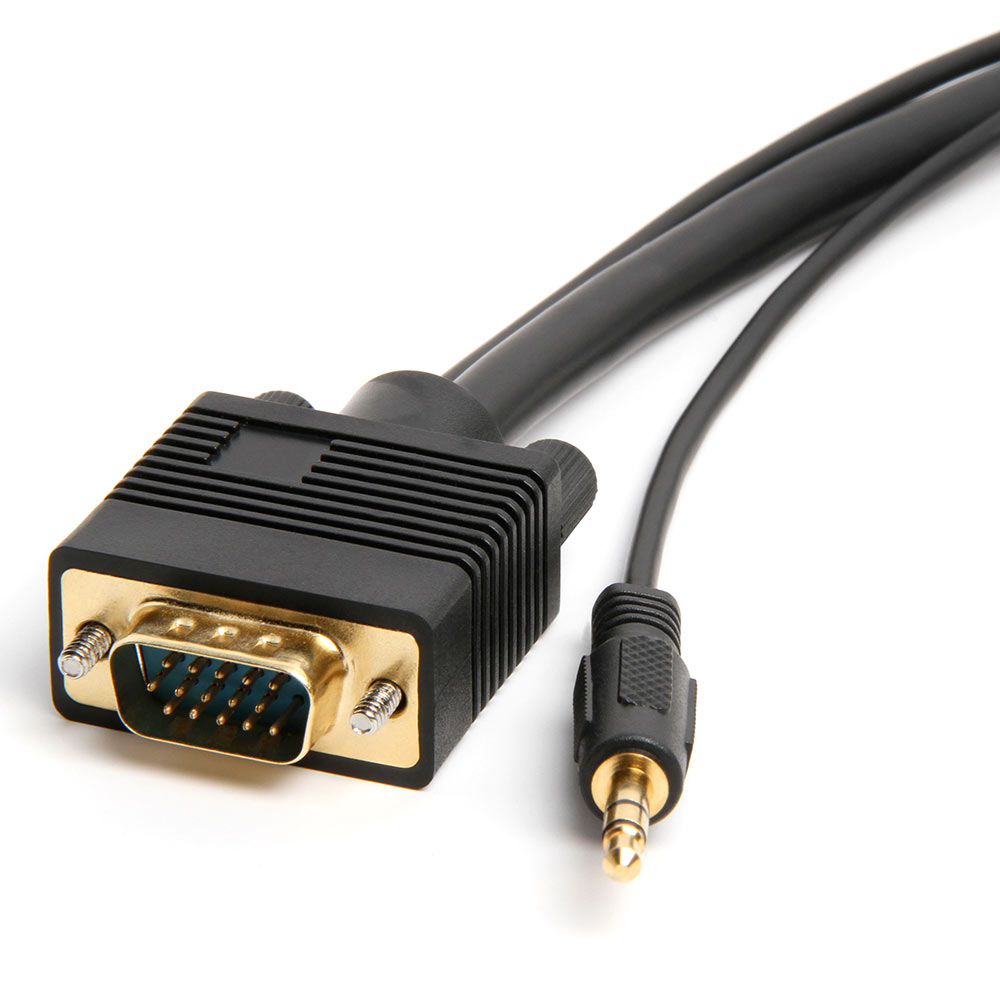
- VGA: An older standard primarily used for legacy systems.
Choosing the right monitor cable is crucial not just for the connection but for ensuring you get the best image quality possible. While HDMI may suffice for casual users, professionals in video editing and gaming should look toward DisplayPort for robust support of higher resolutions and refresh rates. DVI can serve well for those with older equipment, but keep in mind that it does not carry audio. Meanwhile, VGA is becoming increasingly rare but may still be encountered in specific contexts. Be sure to assess your devices' compatibility and your specific needs before making a choice to avoid any compatibility issues.
When it comes to setting up a clean and efficient workspace, organizing your cables is crucial. Check out the Top 10 Cable Management Solutions for Monitors to find innovative tools that keep your cables hidden and your desk tidy. These solutions range from simple clips to comprehensive cable management systems, ensuring that you'll find the perfect fit for your needs.
How Monitor Cables Affect Your Display Quality: A Guide for Gamers and Professionals
When it comes to optimizing your gaming or professional setup, monitor cables play a crucial role in determining your display quality. Different types of cables, such as HDMI, DisplayPort, and DVI, have varying capabilities for transmitting data, impacting both resolution and refresh rates. For gamers seeking a competitive edge, a high-quality monitor cable like DisplayPort can support higher resolutions and refresh rates, reducing lag and ensuring smoother gameplay. In contrast, older DVI cables may struggle with higher resolutions, potentially leading to pixelation and image distortion.
Additionally, the quality and condition of your monitor cables can significantly influence your visual experience. Poorly made or damaged cables can introduce interference, resulting in artifacts and loss of color fidelity. It's important for both gamers and professionals to invest in high-quality cables that maximize their monitors' capabilities. To ensure the best display, consider the following factors:
- Compatibility with your monitor's native resolution
- Length of the cable to avoid signal degradation
- Your specific use case—gaming vs. graphic design
The Essential Guide to Troubleshooting Common Monitor Cable Issues
When it comes to maintaining a smooth workflow, the importance of a reliable display is paramount. One of the most common disruptions can be traced back to monitor cable issues, which can manifest in various ways, such as flickering screens, distorted images, or even no display at all. To effectively resolve these problems, it is essential to understand the common types of monitor cables, including HDMI, DisplayPort, VGA, and DVI. Each cable type has its specific characteristics and potential pitfalls. For instance, HDMI cables are often used in modern setups, but they can be susceptible to physical damage or signal interference if not handled carefully.
To troubleshoot your monitor cable issues, follow these steps systematically:
- Check connections: Ensure that all cables are securely connected to both the monitor and the computer.
- Inspect for damage: Look for any visible wear or frays on the cable.
- Test with another cable: If possible, replace the cable to rule out faults.
- Switch ports: Try connecting to different ports on your monitor and computer.